Last updated: 16 May 2026
For most working from home setups in Australia, NBN 50 is the sweet spot. It’s fast enough for unlimited Zoom or Teams calls (with bandwidth to spare for everyone else in the house), reliable enough for client meetings, and costs around $70–$85/month. NBN 25 is the absolute minimum for one person working alone, and NBN 100 is worth the extra few dollars if you have multiple people on calls at once or are doing heavy uploads.
That’s the headline. The rest of this article goes into when you might need more or less, what speed each major video platform actually uses, why upload speed matters so much, and the specific question most people ask. Is X Mbps enough?
For context on how the NBN speed tiers work generally, see our NBN speed tier guide in the buyer’s guide or the broader NBN vs Broadband vs Wireless hub.
Quick recommendation by household
| Situation | Recommended NBN tier | Typical 2026 price |
|---|---|---|
| 1 person working from home, no calls | NBN 25 | $55–$70/mo |
| 1 person on video calls daily | NBN 50 | $70–$85/mo |
| 2 people both on calls (different rooms) | NBN 100 | $80–$100/mo |
| 2+ adults working + kids on streaming or schooling | NBN 100 | $80–$100/mo |
| Heavy uploaders (large file uploads, livestreaming) | NBN 100 or 250 | $80–$120/mo |
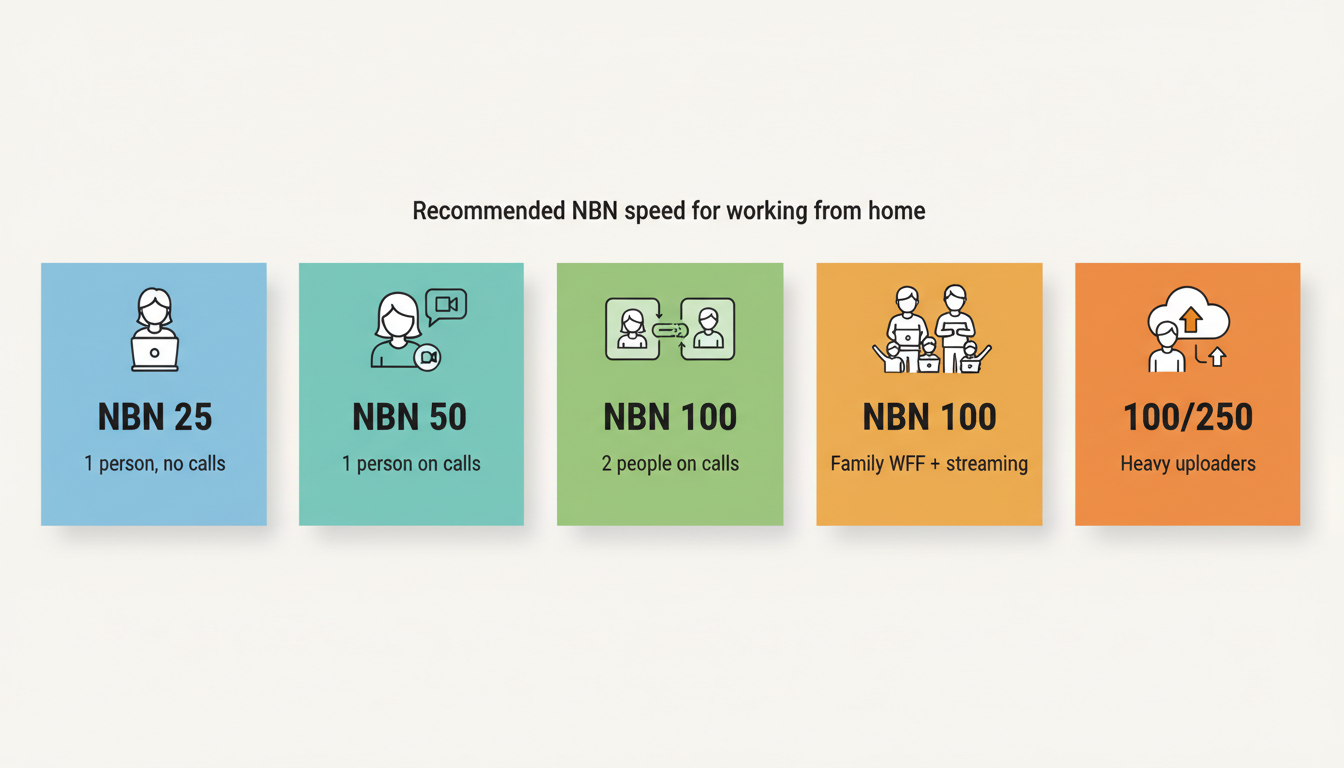
Speed tier mostly depends on how many simultaneous calls or streams you have, not how many people are in the house. One person on Zoom doesn’t need much. Two people both on Zoom in different rooms needs roughly double.
Is X Mbps enough to work from home?
This is the most common question and worth answering directly for each tier.
Is 25 Mbps enough to work from home?
For one person, yes, but only just. NBN 25 will handle a single Zoom or Teams HD call, web browsing, and emails simultaneously. It will struggle if you have a second video call running in another room, or if someone in the house is streaming 4K Netflix at the same time.
The bigger concern with NBN 25 is its 5 Mbps upload speed. That’s enough for one HD video call, but if your call quality matters (client meetings, presentations) and you want a buffer, the next tier up is worth the $15–$20/month.
Is 50 Mbps enough to work from home?
Yes, comfortably. NBN 50 has 20 Mbps upload, which is plenty for two simultaneous HD video calls plus normal household browsing and streaming. This is the tier most Australian work from home households should be on.
Is 100 Mbps enough to work from home?
More than enough. NBN 100 (with 20 Mbps upload, same as NBN 50) is the right tier if you have two people both on video calls daily, multiple 4K streams running, or you upload large files (video editors, photographers, software developers pushing big builds).
Is 250 Mbps or higher overkill for work from home?
For pure work from home use, yes. NBN 250 only makes sense if you’re also using your connection for heavy media production, multi user 4K streaming, or you specifically need fast uploads (NBN 250 has 25 Mbps upload. Only slightly better than NBN 100). NBN 1000 is wasted on most home office setups.
What internet speed do video conferencing platforms actually need?
The official minimums from each platform are surprisingly low. Real world performance is a different story because the minimums don’t account for other things happening on your network.
| Platform | HD video minimum (down/up) | Recommended (with buffer) |
|---|---|---|
| Zoom | 1.5 Mbps / 1.5 Mbps | 4 Mbps / 4 Mbps |
| Microsoft Teams | 1.5 Mbps / 1.5 Mbps | 4 Mbps / 4 Mbps |
| Google Meet | 2.6 Mbps / 2.6 Mbps | 4 Mbps / 4 Mbps |
| Webex | 2 Mbps / 2 Mbps | 5 Mbps / 5 Mbps |
Note the symmetric numbers. You need the same speed in both directions. This is why upload speed matters more for WFH than for entertainment use.
Why upload speed matters more than you think
Most home internet plans are heavily asymmetric. You get a lot of download speed and very little upload. For Netflix, that’s fine. For work from home, it’s a problem.
When you’re on a Zoom call, your camera and microphone are uploading to the cloud constantly. So is your screen share, your file uploads, and your synced cloud storage (Dropbox, OneDrive, Google Drive). Every NBN tier has upload speed that scales with download:
- NBN 25 → 5 Mbps up
- NBN 50 → 20 Mbps up
- NBN 100 → 20 Mbps up (same as 50)
- NBN 250 → 25 Mbps up
- NBN 1000 → 50 Mbps up
- NBN 2000 → 100 Mbps up
If you’re a heavy uploader, the jump from NBN 25 (5 Mbps up) to NBN 50 (20 Mbps up) is genuinely massive, 4x the upload bandwidth. The jump from NBN 50 to NBN 100 doesn’t change upload at all.
Backup connection — what to do when the NBN drops
The single most useful investment for a work from home setup is a backup. NBN connections drop out occasionally. If you have an important client call, you don’t want to be explaining a 2-hour outage.
Options:
- Tether your phone. Modern smartphones can share their 4G/5G connection over Wi-Fi or USB. Free, instant, but eats your mobile data allowance.
- A separate 4G/5G modem. Around $10–$30/month for a basic mobile broadband plan. Plug and play backup.
- Some Wi-Fi routers have 4G failover built in. Higher end routers from TP-Link, Asus and Netgear can use a USB tethered phone or a 4G dongle as automatic failover when the NBN drops.
For pure peace of mind, a separate $20/month 4G plan in a small modem is worth it. You’ll thank yourself the day it activates.
Best NBN plans for working from home
The plans below are pulled live from our database. We’ve filtered to plans that comfortably handle a typical work from home setup. At least NBN 25, unlimited or generous data, and rated 4+ stars by our reviewers.
These NBN plans are fast, have plenty of data and all receive excellent reviews from our members. They would be great plans for anyone wanting to work from home.

|
Everyday
25 Mb/s
Unlimited data
|
$72/mth | Go to site |

|
Basic Plus - nbn 25/10
25 Mb/s
Unlimited data
|
$79/mth | Go to site |

|
One Plan
500 Mb/s
Unlimited data
|
$80/mth | Go to site |
|
|
Extra Value
50 Mb/s
Unlimited data
|
$85/mth | Go to site |
|
|
Fixed Wireless Plus
50 Mb/s
Unlimited data
|
$89/mth | Go to site |
| Click here to view more great value NBN internet plans for working from home | |||
What about latency and ping?
Speed isn’t the whole story. Latency (ping) is the time it takes for data to make a round trip. For video calls, latency above 150 ms causes noticeable lag. Your face moves half a second after you speak.
Most fixed-line NBN connections (FTTP, FTTC, HFC) deliver under 20 ms ping to local servers. FTTN can be higher if your copper line is poor. Fixed wireless and Sky Muster satellite have higher latency that can affect call quality.
For more on what these terms mean, see our hub on NBN, broadband and wireless internet.
How much data does working from home use?
A typical workday of video calls and normal browsing uses 5–15 GB. Over a month, that’s 100–300 GB just for work activities. Add household streaming and the average WFH home now uses 450–500 GB a month.
Almost every NBN plan in Australia is unlimited, so data usually isn’t a concern. The exceptions are mobile broadband plans (often capped) and Starlink Roam (capped).
Rough breakdown for the curious:
- 1 hour of Zoom/Teams HD video call: 0.8–1.5 GB
- 1 hour of Zoom group call (5+ people): 1.5–2.5 GB
- 1 hour of audio only call: ~100 MB
- 1 hour of cloud file syncing (Dropbox/OneDrive): varies widely with what you sync
Best NBN providers for working from home
For WFH, three things matter beyond raw speed:
- Typical evening speed (the real world speed during peak hours)
- Customer support (because you can’t be on hold for 2 hours when your work connection is down)
- Reliability (uptime track record)
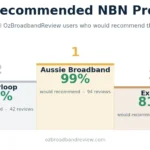
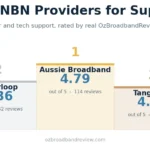
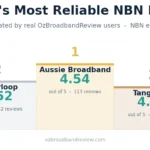
Aussie Broadband, Superloop and Internode score consistently high on all three. Our guide to NBN providers with Australian based customer support covers the support angle in detail.
Frequently asked questions
What’s the minimum internet speed for working from home in 2026?
25 Mbps download, 5 Mbps upload. Enough for one HD video call and basic browsing. Most people are better served by NBN 50 ($70–$85/month) which gives much more upload headroom.
Is 50 Mbps good for working from home?
Yes, for most WFH setups it’s the sweet spot. Handles two simultaneous HD calls comfortably.
Is 100 Mbps overkill for working from home?
Not if you have two adults both on video calls daily, kids streaming alongside, or you upload large files regularly. For single user WFH with normal use, NBN 50 is enough.
Does upload speed matter for work from home?
Yes, a lot. Video calls, screen sharing, cloud backups and file uploads all use upload bandwidth. If your work involves any of these heavily, NBN 50 or higher is worth it for the 20 Mbps upload.
How much data does Zoom use per hour?
HD one on one call: roughly 0.8–1.5 GB per hour. Group call: 1.5–2.5 GB per hour. Audio only: about 100 MB per hour.
Is fixed wireless or 5G good enough for working from home?
Yes for most setups, with caveats. 5G home broadband can hit NBN 100 speeds in good coverage areas. NBN fixed wireless is reliable for video calls but speeds vary with weather and load. For mission critical WFH, a fixed-line NBN connection is more consistent.
For more on choosing the right plan, see our how to compare and choose an NBN plan guide. For the broader NBN vs 5G vs Starlink decision, start at the NBN vs Broadband vs Wireless hub. To browse actual plans, use the NBN plan finder or the side-by-side comparison.